PARCO points
PARCO stores nationwide or
At ONLINE PARCO
PARCO points
Earn and use
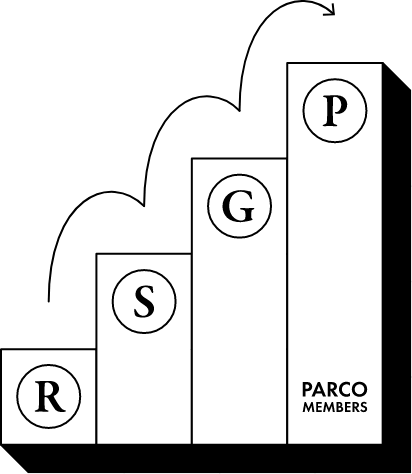
For every 110 yen (tax included)
Earn 2-7 points!
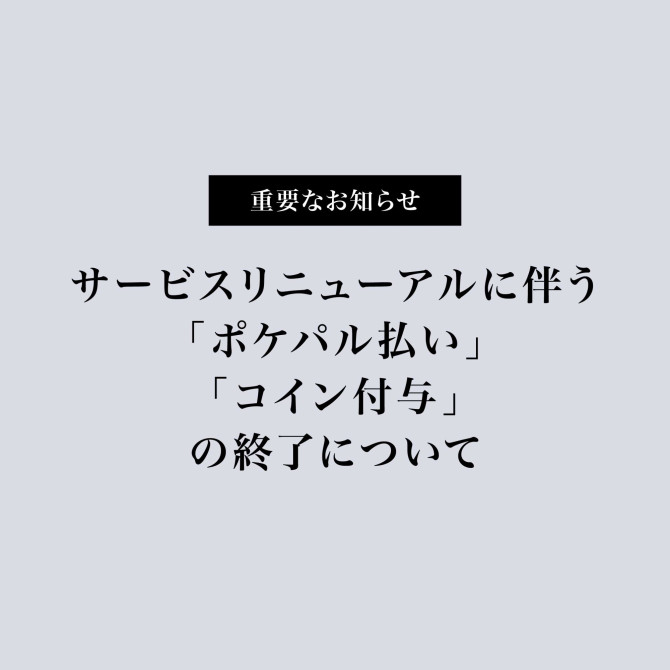
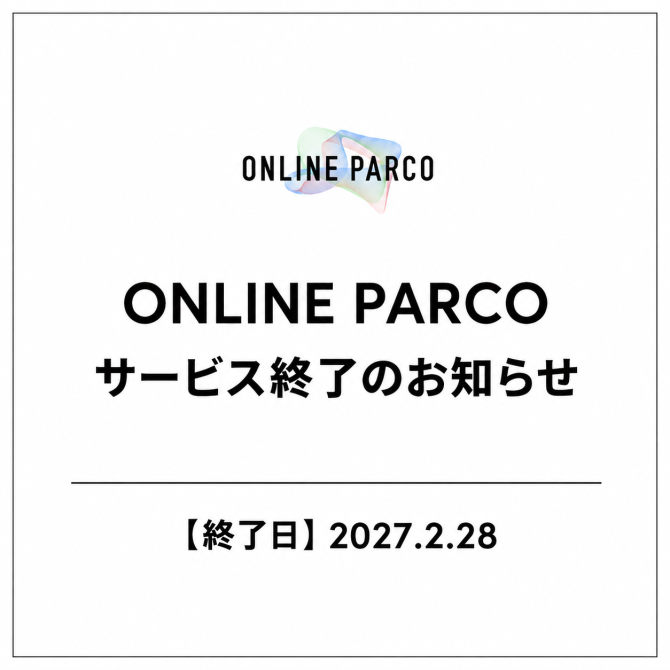
*Please note that our service will be renewed from Spring 2027, including changes to the number of points awarded. Details can be found here.
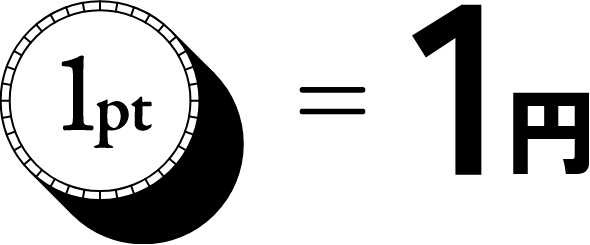
The points you have accumulated are
1 point = 1 yen!
Earn PARCO points
You can earn PARCO points when you use your PARCO card or Pokepal payment at PARCO stores nationwide or ONLINE PARCO.
Furthermore, several times a year, they hold "PARCO POINT UP" events where the number of PARCO points awarded is higher than usual.
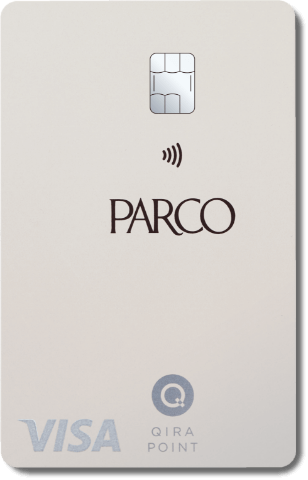
PARCO Card
This is the only card that allows you to earn PARCO points even when paying by credit card. You earn 3 to 7 points for every 110 yen (including tax) spent, depending on your rank.
*This is a PARCO card issued by JFR Card Co., Ltd. Older PARCO cards issued by Credit Saison Co., Ltd. are treated as Saison cards.
*You need to link the PARCO point number printed on the back of your card to your PARCO Members account. If you do not link it, your rank will not be applied and you will only receive 3 PARCO points. For details, please see below. Here
*For purchases made using a PARCO credit card, PARCO points will be awarded approximately two days after the purchase date. However, there may be delays depending on the payment status.
Pokepal Payment
By registering and using your eligible credit card with Pokepal Pay, you can earn 2 to 7 PARCO points for every 110 yen (including tax) spent.
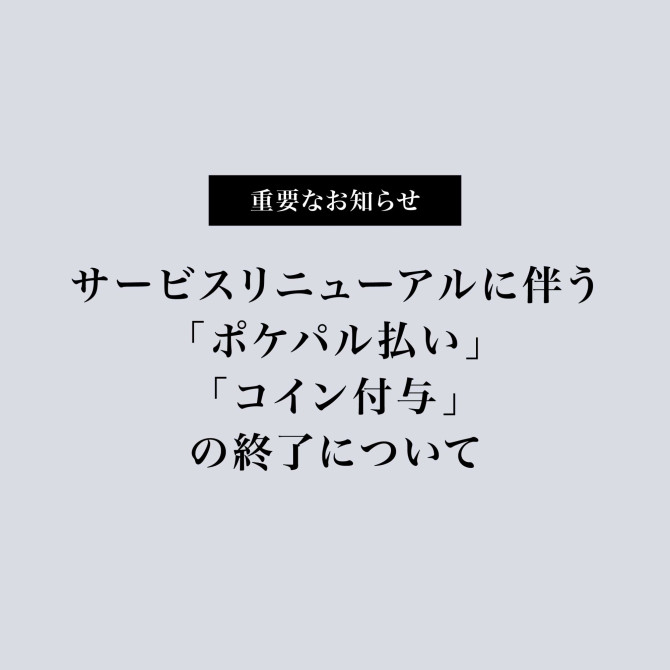
*Please note that "Pokepal Payment" will be discontinued on February 28, 2027. New registrations for Pokepal Payment ended on November 5, 2026.
Use PARCO points
Accumulated PARCO points can be used at a rate of 1 point = 1 yen when making payments at PARCO stores nationwide and ONLINE PARCO via the "POCKET PARCO" or "PARCO Members" app.
Use with "Pokepal Payment"
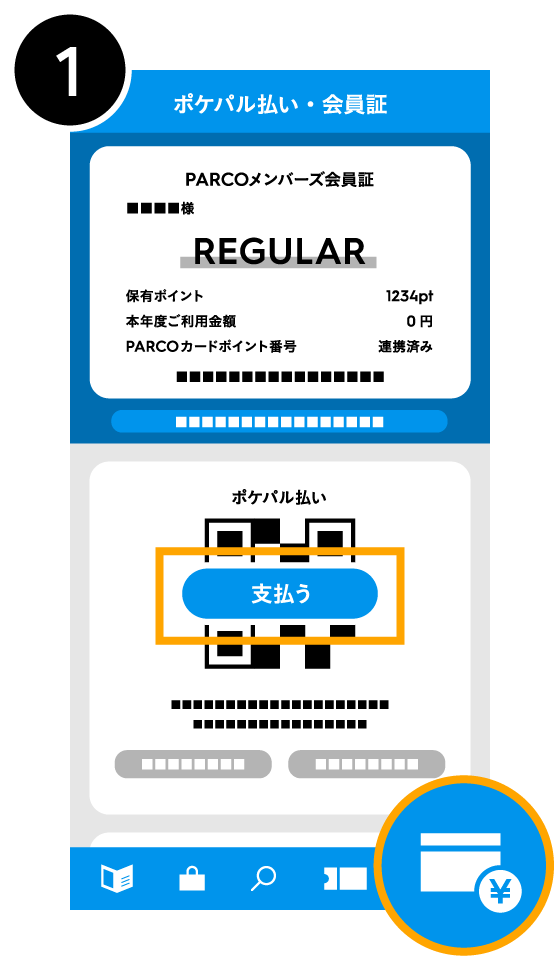
Tap "Pay" from "Pokepal Payment" in the bottom right corner of the app.
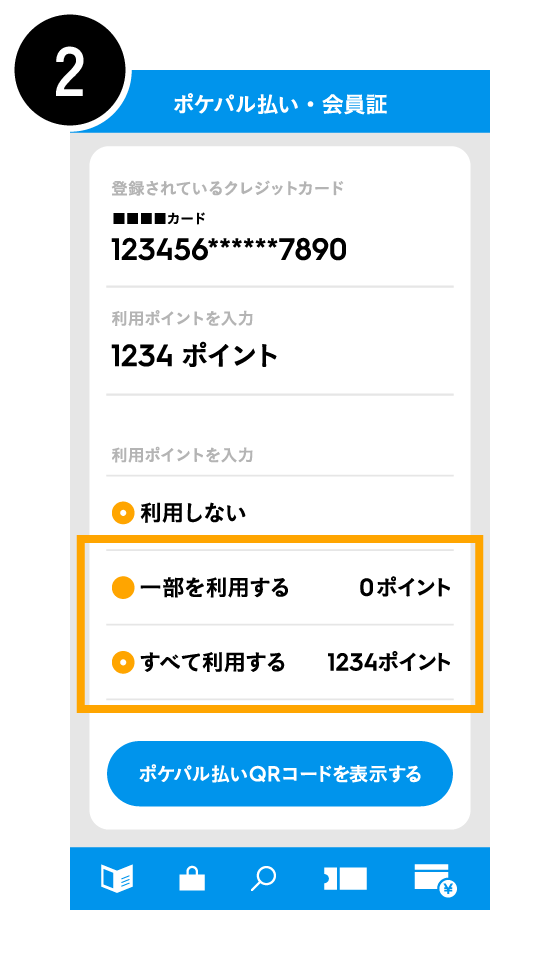
After entering whether you have points to use, tap "Show QR code for Pokepal payment".
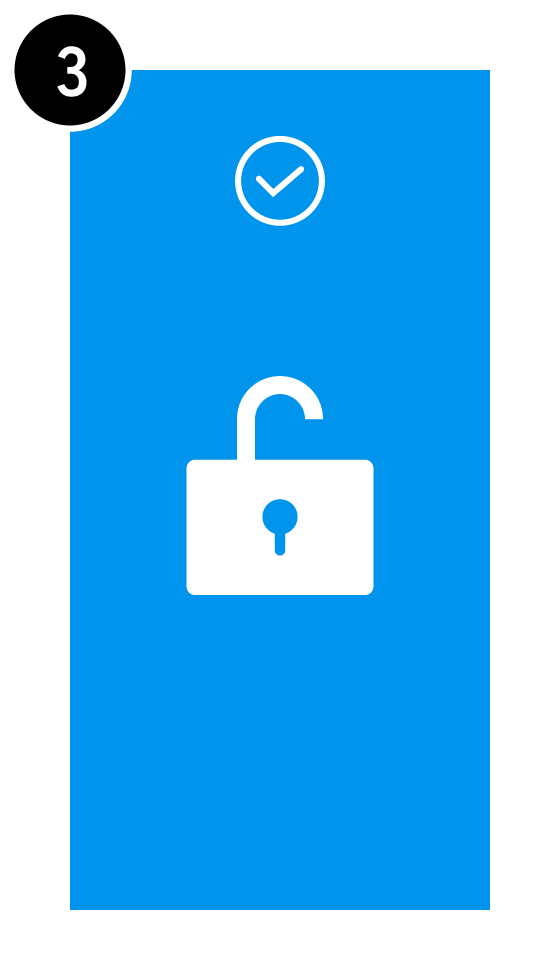
Perform device authentication. (Biometric authentication, passcode, etc.)
*Authentication methods vary depending on your device settings.
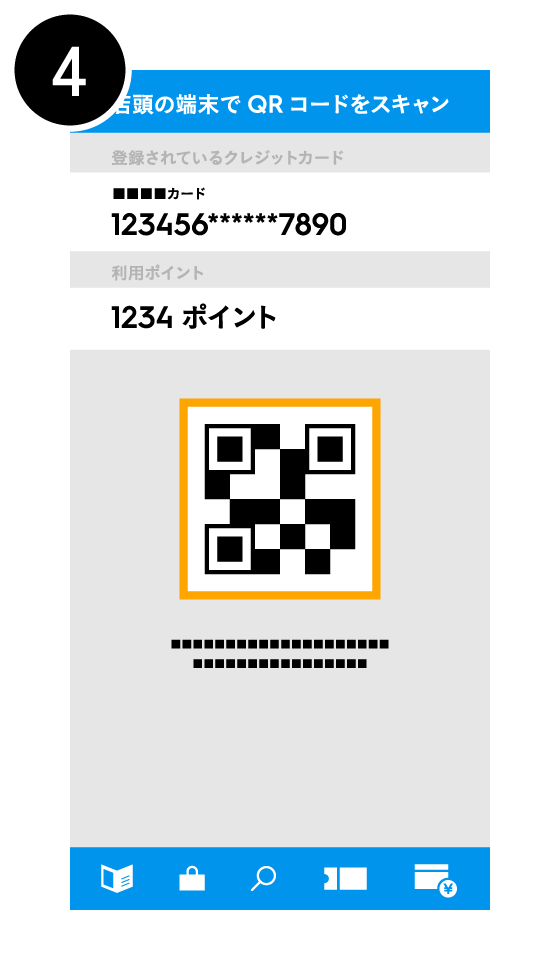
Please show the shop staff the "QR code for Pokepal payment".
*QR code valid for 5 minutes
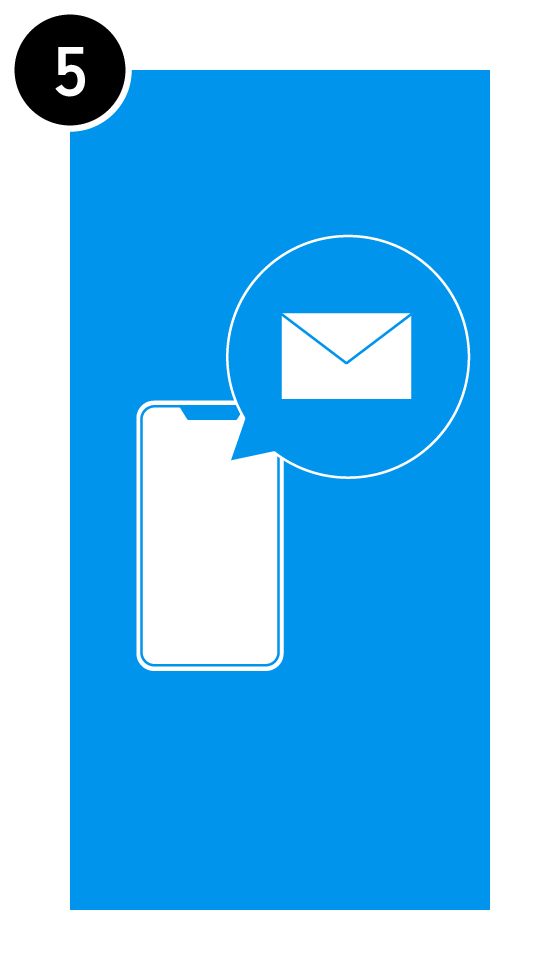
After payment, you will receive a payment notification email at the email address registered with your PARCO Members account.
"PARCO Points" Use only
If using points in-store, please inform the cashier of the number of points you wish to use beforehand.
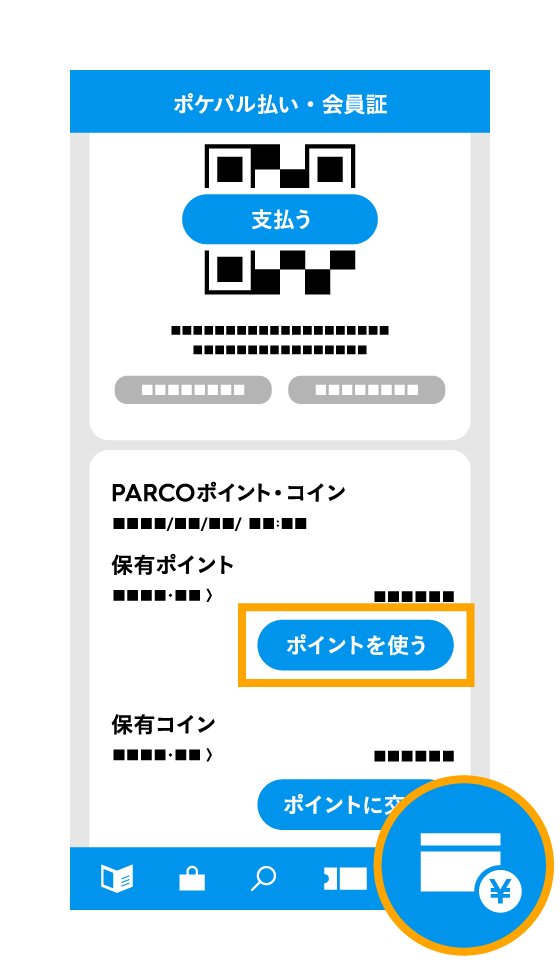
From the app "POCKET PARCO"
use
In the app, tap "Pokepal Payment" in the bottom right corner, then tap "Use Points" for PARCO points/coins to display the QR code for using your points.
*You need to log in to "PARCO Members" within the app.
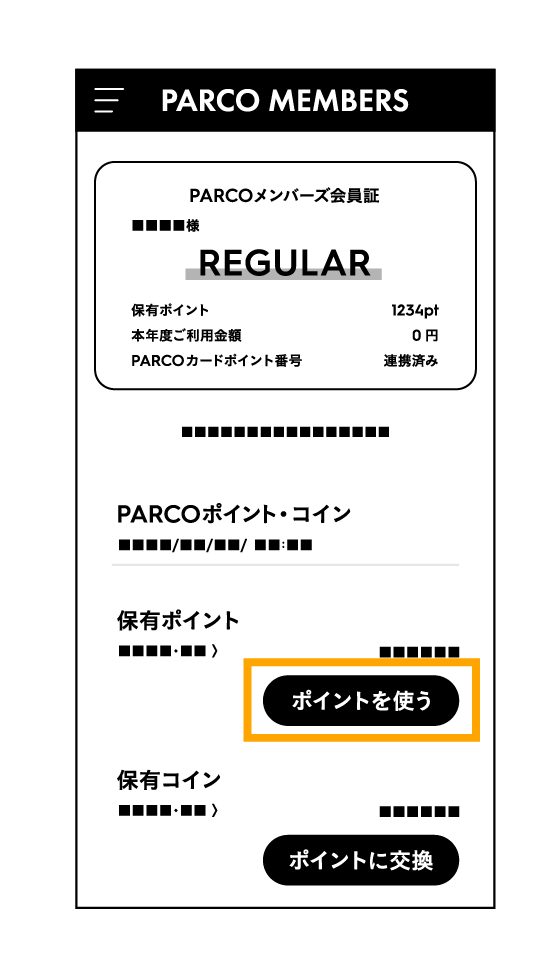
"PARCO Members"
Use from My Page
On your "PARCO Members" My Page, tap "Use Points" under PARCO Points/Coins to display the QR code for point redemption.
*Available only on smartphones.
*Registration with PARCO Members is required to use PARCO points. A smartphone is also required.
*Pokepal Pay (online payment) is available at ONLINE PARCO. For details, please see below. Here
*Some shops and products are not eligible for PARCO points or Pokepal payments. For details, please see below. Here
*For in-store Pokepal payments, there are daily payment limits and amounts set for each registered credit card. For details, please see below. Here
Check your PARCO points
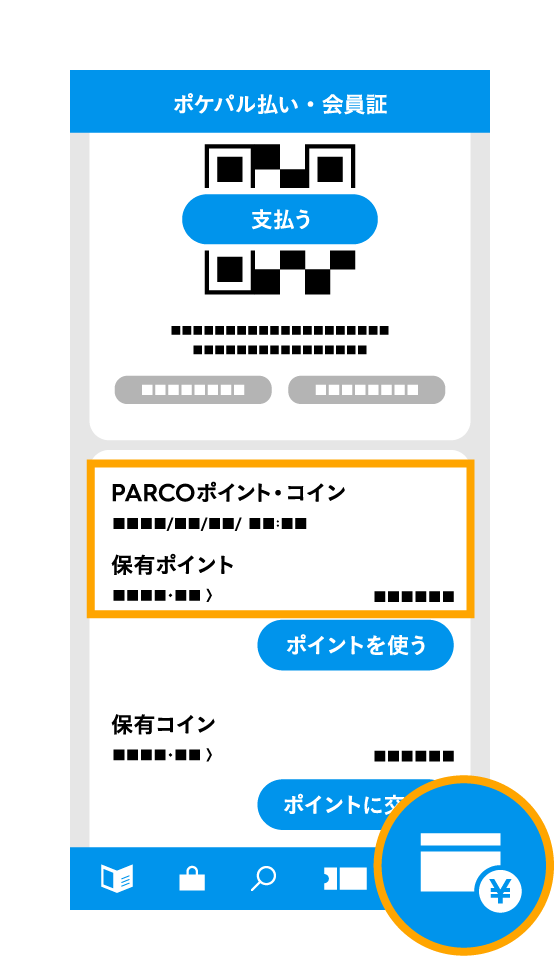
From the app "POCKET PARCO"
confirm
You can check your point balance and expiration date for PARCO points and coins via "Pokepal Payment" in the bottom right corner of the app.
*You need to log in to "PARCO Members" within the app.
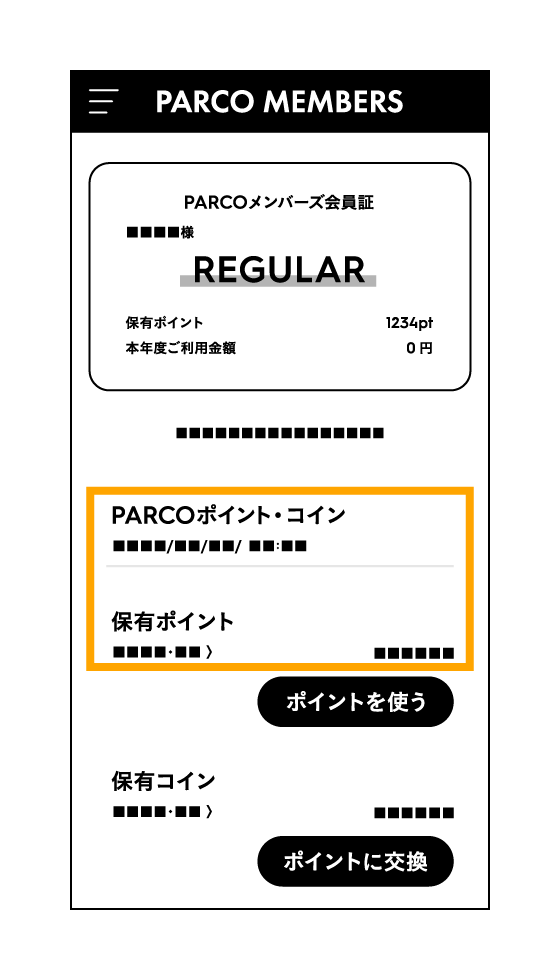
"PARCO Members"
Check from My Page
You can check your point balance and expiration date for PARCO points and coins from your "PARCO Members" My Page.
Exchange for PARCO points
Exchange from coins
The coins you earn with the app "POCKET PARCO"
100 coins can be exchanged for 1 point (equivalent to 1 yen).
*For more information about coins... Here
*The "Coin Granting and Exchange" service will end on March 31, 2027.
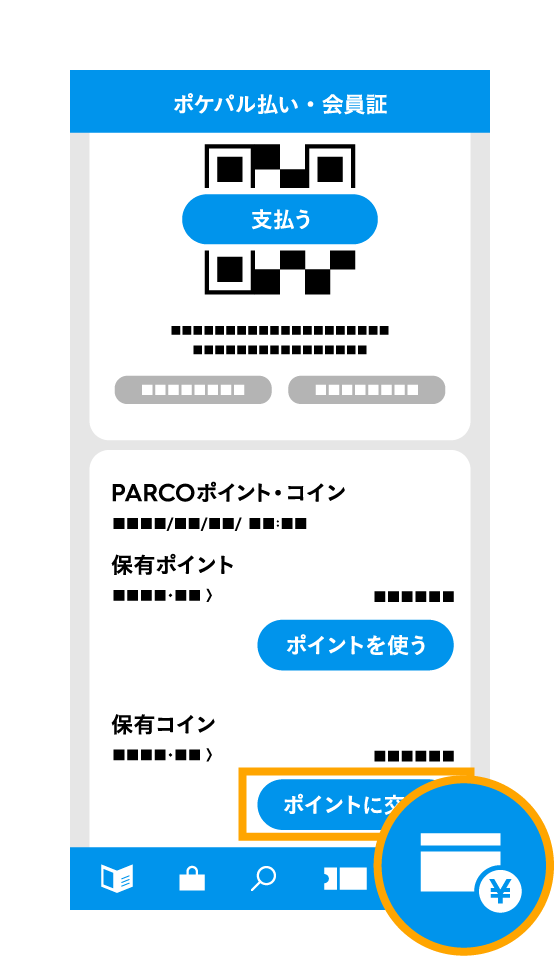
From the app "POCKET PARCO"
Exchange
You can exchange your coins for points by selecting "Exchange for points" within "Pokepal Payment" in the bottom right corner of the app.
*You need to log in to "PARCO Members" within the app.
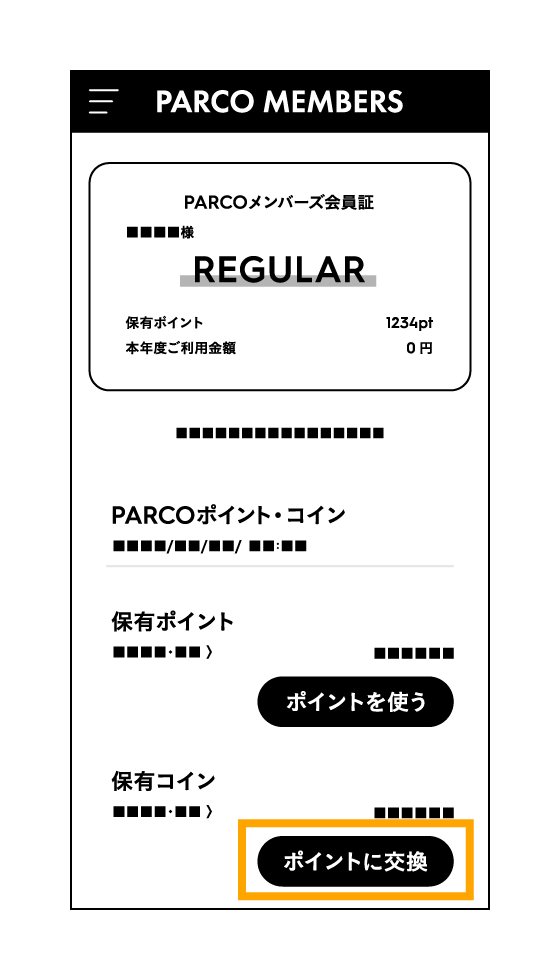
"PARCO Members"
Exchange from My Page
You can exchange your coins for points through the "Exchange for Points" option in your "PARCO Members" My Page.
From QIRA points Exchange
This service is exclusively for PARCO Card and Daimaru Matsuzakaya Card holders.
500 QIRA points can be converted to PARCO points.
To 500 points It can be exchanged.


You can check the exchange details on the QIRA points website below.
*The validity period for exchanged PARCO points is 60 days from the day after the exchange.
*Please note that changes or cancellations cannot be made after the exchange process has been initiated.
*You will be redirected to the JFR Card Co., Ltd. website.